
AI Video Background Remover
How to Remove Video Backgrounds using Erase.bg?
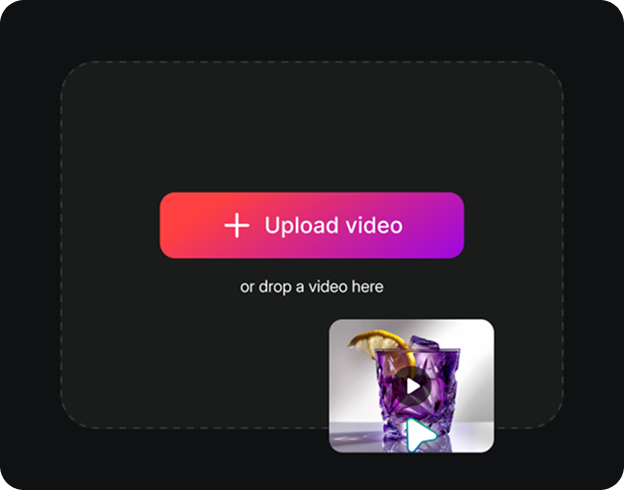
Upload your video
Click “Upload Video” to select your file or drag-and-drop it in any of these formats: MP4, MOV, or WEBM.
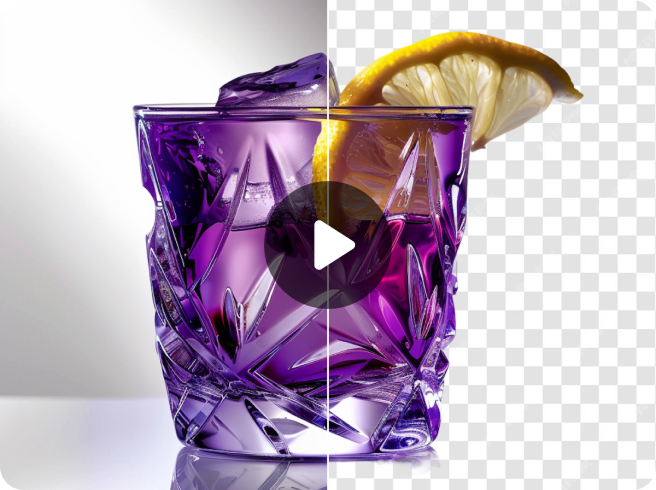
Wait for AI processing
Erase.bg’s AI editor automatically removes the background from your video, with no manual work required.
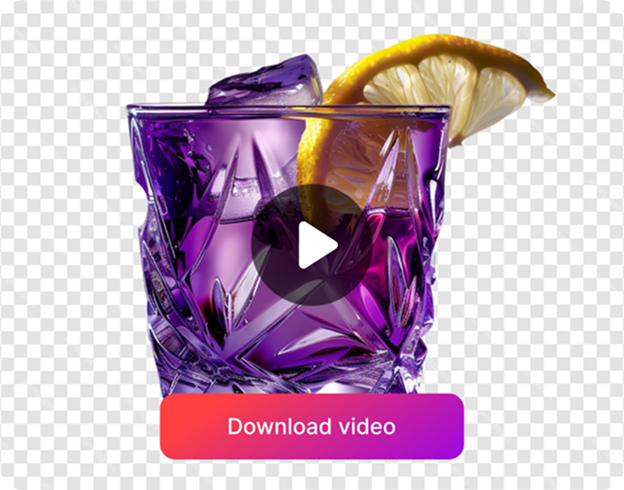
Download the output
Preview the processed video output, and download it in high definition without any extra cost or watermarks.
Remove Video Backgrounds in Just a Single Click
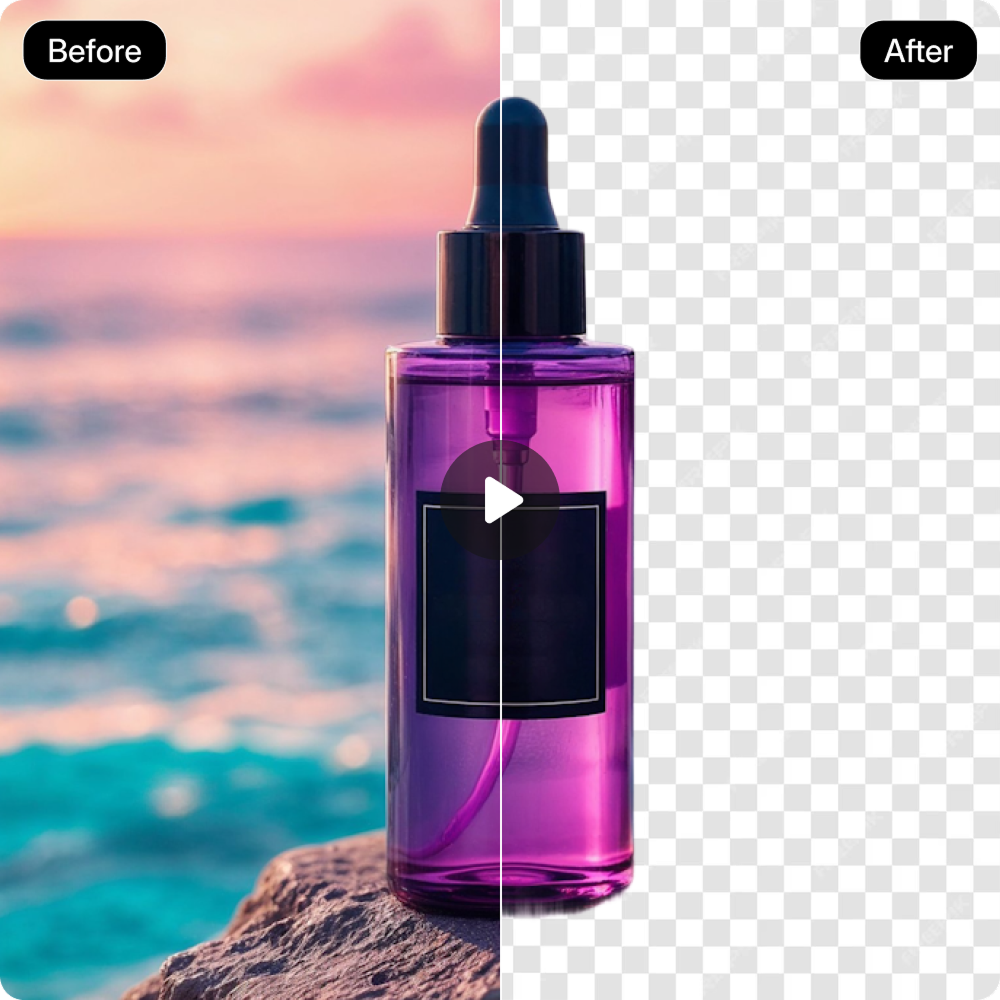
One-click Result
Remove video backgrounds instantly and get professional, studio-quality results without any manual editing.

Works on Any Footage
Clean up backdrops from all kinds of videos, such as product demos, mini vlogs, or short reels, in just a few seconds.
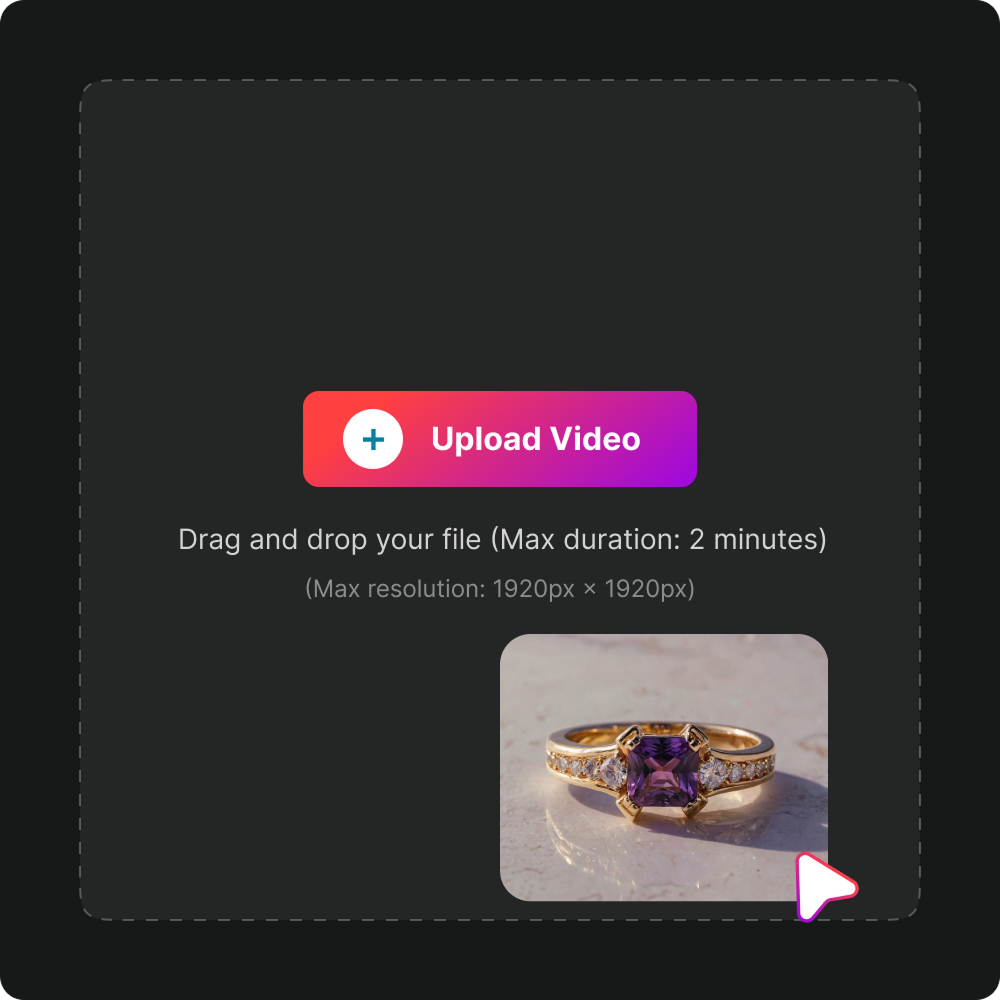
Preserve quality
Maintain the same resolution and clarity in your videos even after the background is removed.
No Installations
Use the video background remover directly from your browser without downloading any app or plugin.
Why use Erase.bg’s Video Background Remover?

Multiple Video Formats
Upload videos in popular formats such as MP4, MOV, or WEBM for seamless compatibility.

Privacy Guaranteed
Your videos are processed securely on protected servers and are never shared with anyone.

No Signup Required
Access the video background remover instantly without creating an account or entering payment details.
Built for Convenience

Lifetime Storage
Store and export the videos anytime without any deadlines or restrictions.

100% Free to Use
Get unlimited video enhancements without subscriptions, sign-ups, or extra charges.
What Can You do With Erase.bg’s Video Background Remover?
Generate scroll-stopping videos with clean, customizable backgrounds.
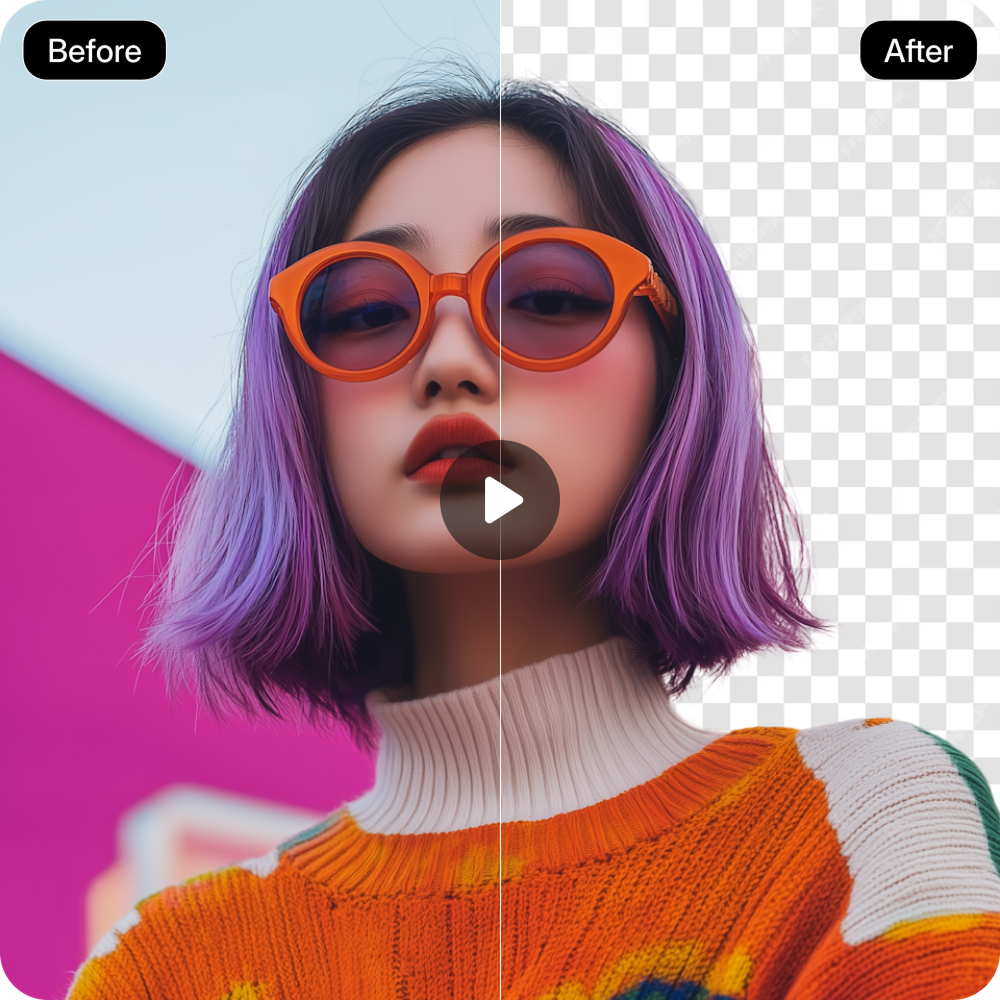
Create Professional-looking Reels
Make your personal videos stand out with transparent backgrounds, perfect for YouTube Shorts, Instagram, or TikTok content.
Enhance Product Demos
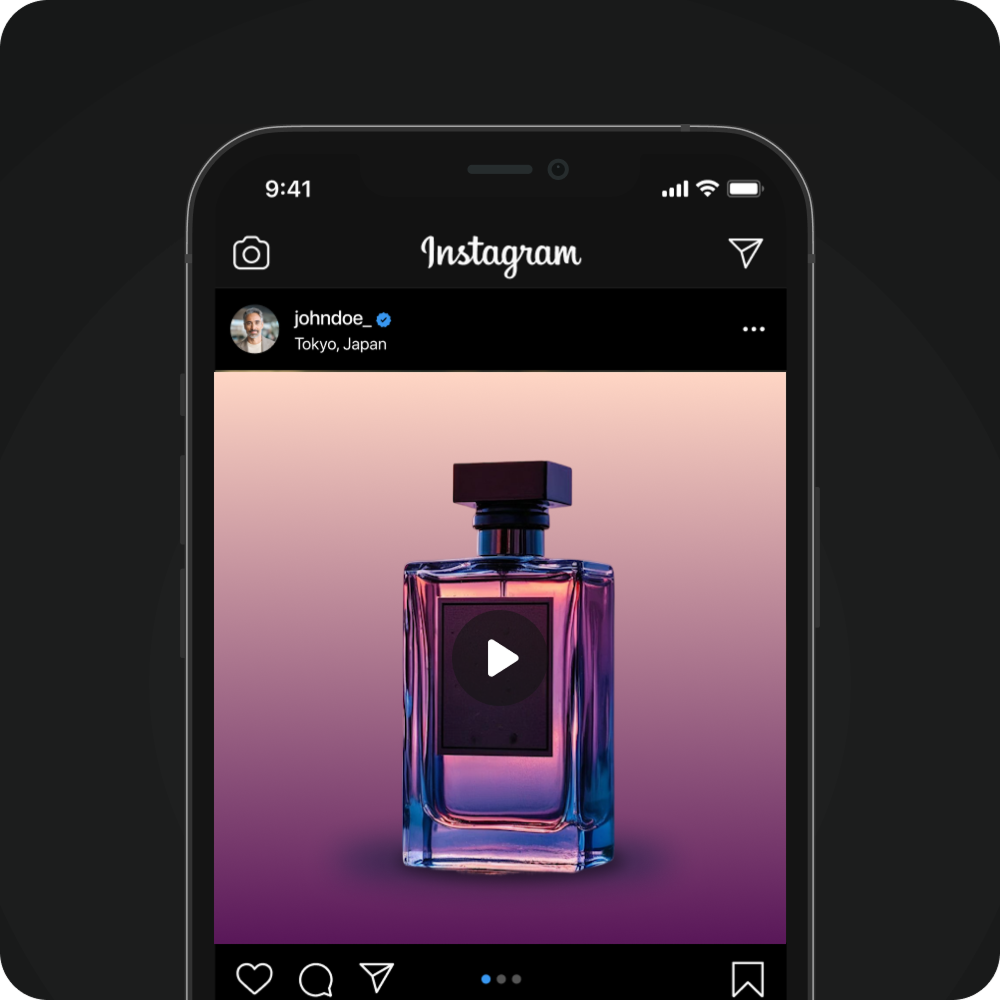
Remove distracting surroundings from product videos and maintain focus on the item, even in outdoor or uneven lighting conditions.

Enhance Remote Recordings
Swap noisy or cluttered backgrounds with neutral or branded ones using Erase.bg’s free online video background remover.
Simplify Post-production
Forget green-screen edits & save time by skipping manual masking and compositing using Erase.bg’s online video background remover.

Frequently Asked Questions
Here are some of the most common questions about our AI Video Background Remover. If you still can’t find what you’re looking for, contact us at support@pixelbin.io or read our documentation for more details.
How can I use Erase.bg’s AI video background remover for free?
Can I upload 1080p resolution videos on Erase.bg’s video background remover free tool?
What’s the maximum video length supported on Erase.bg?
Does Erase.bg’s background remover leave any traces?
Does it take time to remove a background from a photo?
Can I use Erase.bg’s video background remover online free tool from my phone?
Make Background Transparent Free Online
Erase.bg’s free video background remover online helps you delete or replace backdrops from videos effortlessly, without the need for green screens or editing skills.
Accurate subject detection: Identify the main subject frame by frame, ensuring smooth outlines and natural-looking edges.
No editing skills needed: Anyone can use our full video background remover tool without prior experience or editing skills.
Watermark-free downloads: Export HD-quality videos with a transparent background, free from logos or watermarks.
Cross-platform access: Use Erase.bg’s video background remover app on any device with consistent, reliable results every time.
Fast and cloud-based processing: Remove video backgrounds instantly without heavy rendering or software installations, saving time and system resources.
Tips to Get the Best Results from Video Background Remover
To get the best results from our video background remover free tool, follow these simple tips:
- 1. Use well-lit footage with clear contrast between subject and background.
- 2. Upload HD-quality clips (720p or higher) for the best results.
- 3. Preview before downloading the generated footage to fine-tune any edge details.